There are plenty of different website builders in the market that could help you build your own website . But if you are working on your own, then you should consider Elementor as we get to its advantages and disadvantages below.
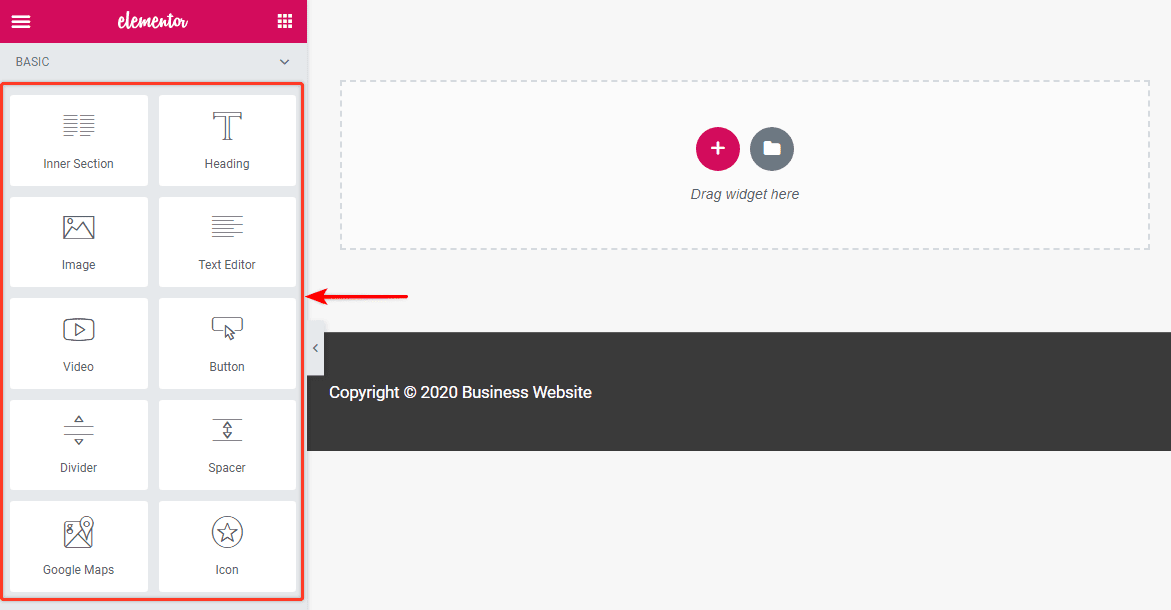
Elementor is a web builder for WordPress that allows you to transform your website into whatever you want it to be. The best thing about this is you do not have to switch to another theme to get a completely different look and layout. This web builder offers several benefits. These benefits include:
– Ease of use: Elementor provides a very easy way to move around editing your website. If you are not very good at website editing or you do not know how to code then having the Elementor editor could be very convenient.
– What you see is what you get: which means the version of the page you see in the Elementor interface is precisely what your visitors are going to see (unlike working with HTML and CSS, the old-school way). The pages are all mobile-responsive and SEO-friendly. Elementor is a WYSIWYG (What You See Is What You Get) editor. With the real-time preview, you get to see exactly how your page looks after an update, rather than publishing it and then having to redo if it didn’t turn out the way you wanted it to.
– Extensive training opportunities: There is a big community surrounded Elementor and also a great source of free training and information for beginners and expert developers. You get to constantly learn and get exposed to new tools, design ideas, and so much more. Not to mention, the community is there to back you up if you need any help, suggestions, and ideas to build an awesome website.
– Budget friendly: If you haven’t use the Elementor yet, then we would suggest trying the free version where you can perfectly build a website then when you need more functionality, go for the premium version .You can get Elementor Pro at attractive, flexible prices that start from $49.00 per year.

– Responsiveness matters: With more than 50% of website traffic coming from mobile devices, it’s imperative that you get the mobile view of your website spot on. With Elementor, you can easily preview and customize your pages for desktop, mobile, and tablet devices. Simply switch the view and tweak every element to look perfect on any device.
– Authority to customize every part of the theme: Elementor’s Theme Builder lets you customize every fundamental part of your WordPress site without coding including your Header, Footer, Global Pages and Posts, Global Archives and WooCommerce Products and Product Archives.
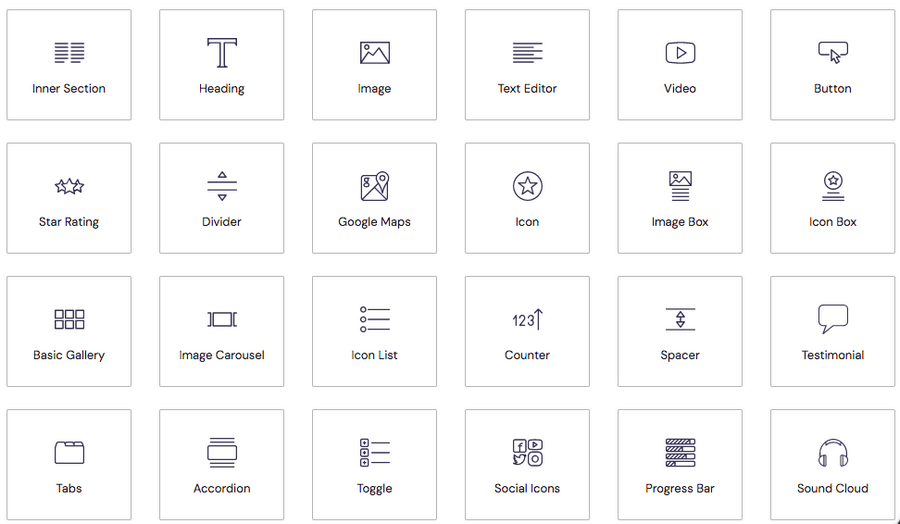
–Access to professional templates and blocks: With 90+ incredible widgets (also referred to as blocks) and more than 300 designer templates, you can set your imagination wild while creating your web pages, landing pages, pop-ups, and more. From headlines to buttons, social media icons to galleries and carousels, there’s a widget for just about any feature you’d like to add to your website.
Does Elementor slow down your site? The short answer is, no it doesn’t. What slows down WordPress websites is poor hosting, inefficient images, slow themes, and using too many plugins.


